
Every recipe you love, finally in one place.
No more screenshots, bookmarks, and torn-out pages. WeeChef is the recipe keeper that scans, saves, and organizes every recipe in one place, then makes it beautiful.
How it works
Three taps from scattered to sorted.
Add it your way
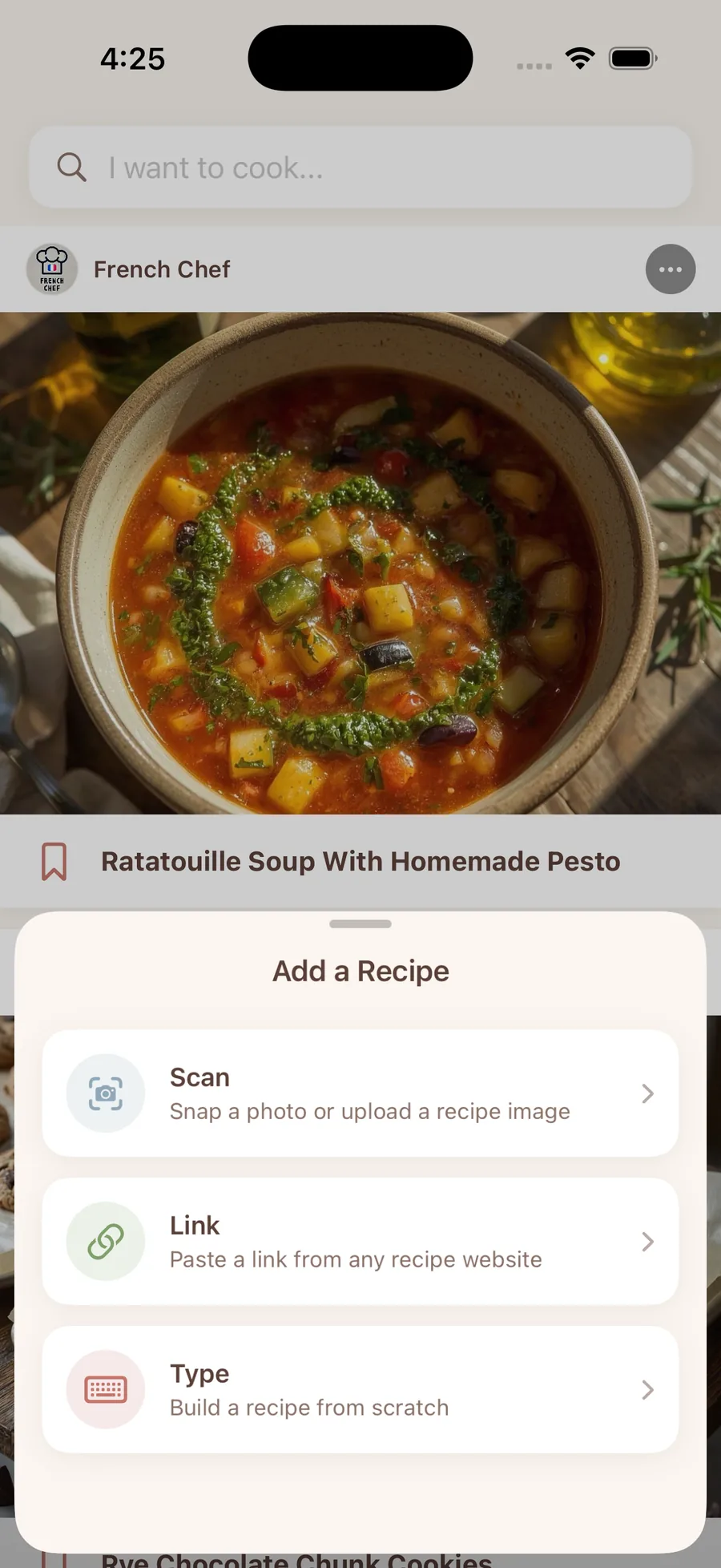
Paste a link from any recipe site, snap a photo of a handwritten card, or type one in from scratch.
WeeChef does the tidying
Ingredients, steps, and cook times get pulled out and organized automatically: no copy-pasting.
Cook & keep
Flip into hands-free Cooking Mode, with your screen staying awake so you're not tapping with messy hands, then find it forever in your own tidy collection.
What's inside
Smart where it counts. Simple everywhere else.
Stuck on dinner? Borrow from everyone.
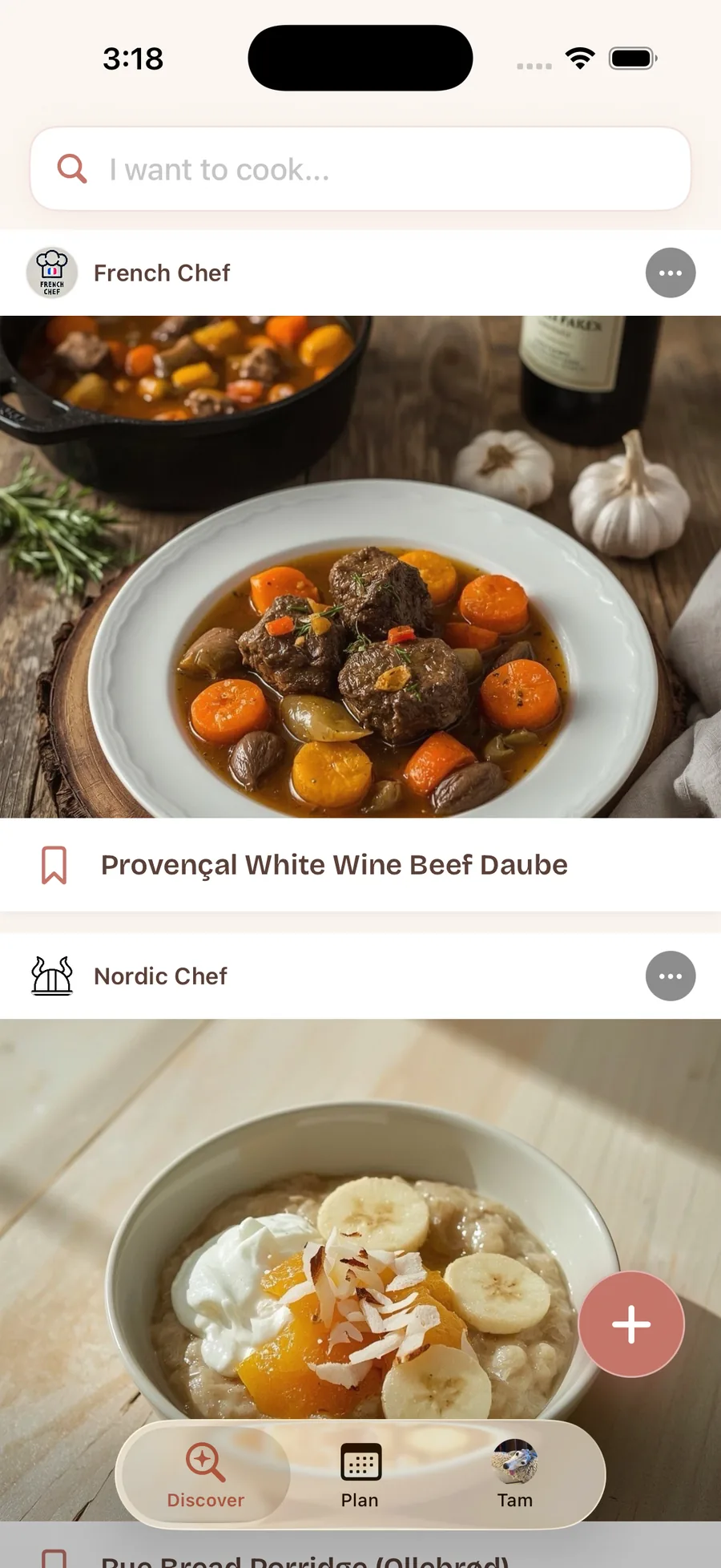
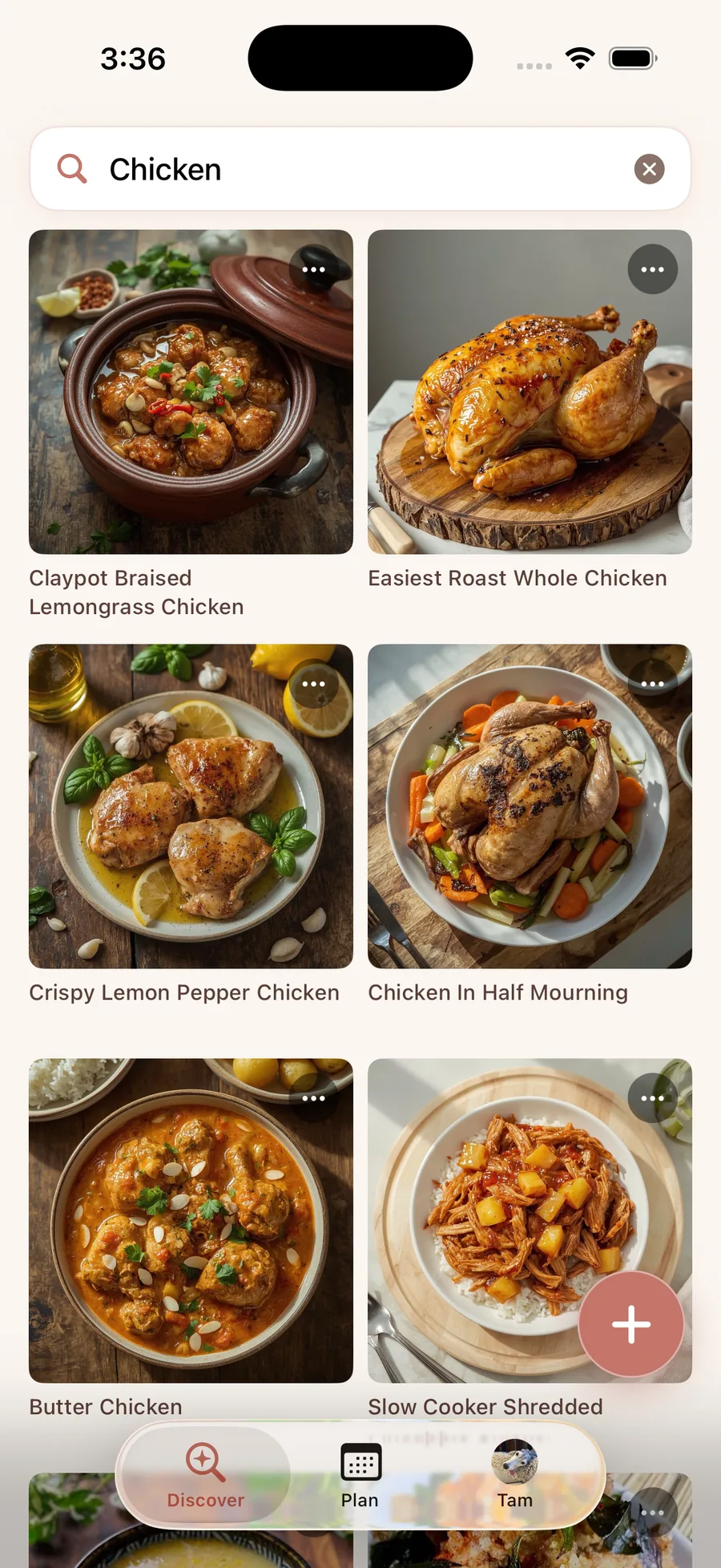
Scroll a feed of real home-cooked dishes, search by what you're craving, and save anything that looks good straight into your own searchable cookbook. Like, cook, repeat.
Found it online?
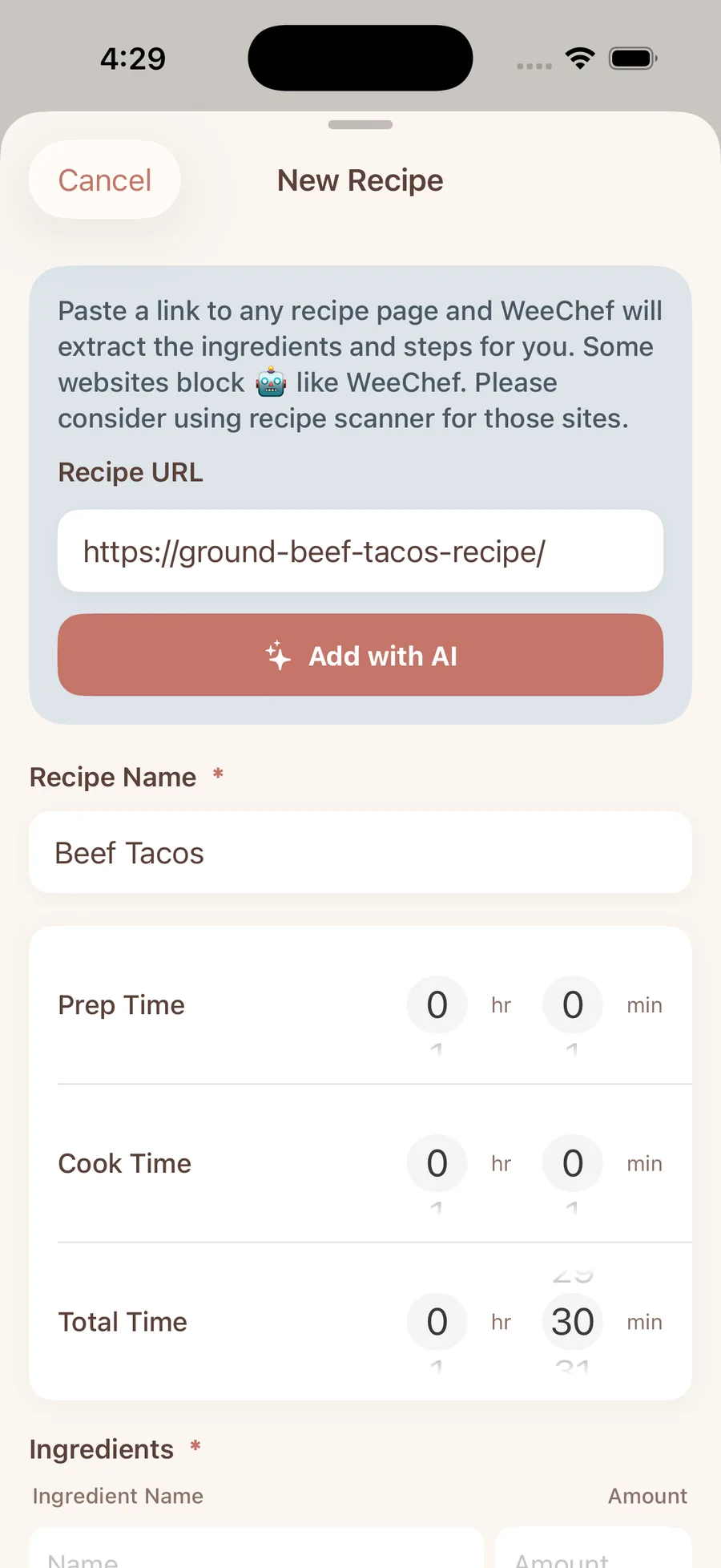
Paste & done.
Drop in a URL from any recipe blog and WeeChef reads the page, then saves the ingredients and steps cleanly into your collection: ads and life stories left behind.
Grandma's card,
now digital.
Snap a handwritten or printed recipe (or a screenshot from Instagram, TikTok, or Pinterest) and WeeChef transcribes every ingredient and instruction. Multi-page cards and cookbook spreads get combined into one complete recipe. The recipes you love most, safe forever.
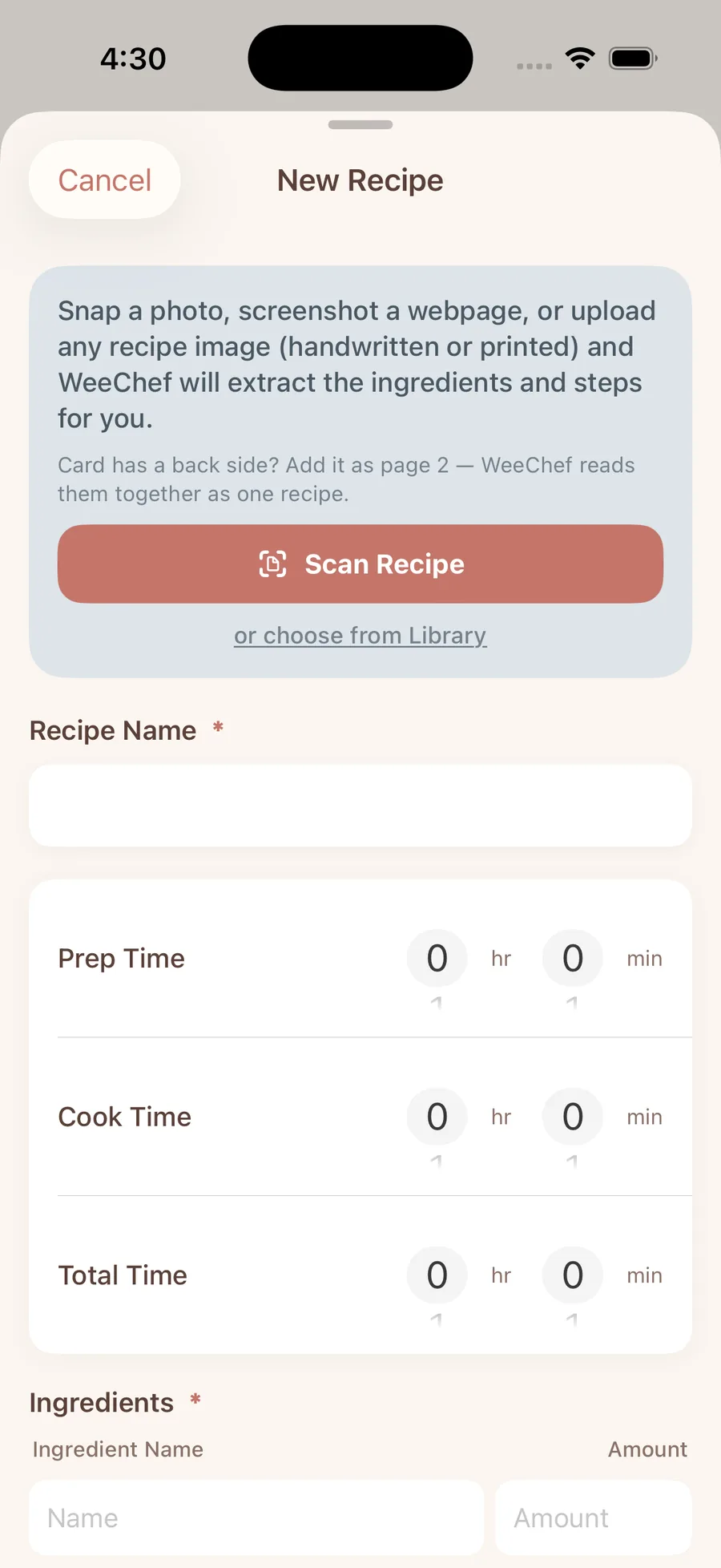
No good photo? WeeChef paints one.
Blurry snapshot or none at all. It happens. WeeChef can paint a warm, appetizing image of your dish so every recipe looks good enough to eat.
Then organize it all into beautiful Recipe Books (by cuisine, occasion, or family tradition) so it's always easy to browse and find exactly what you're craving.
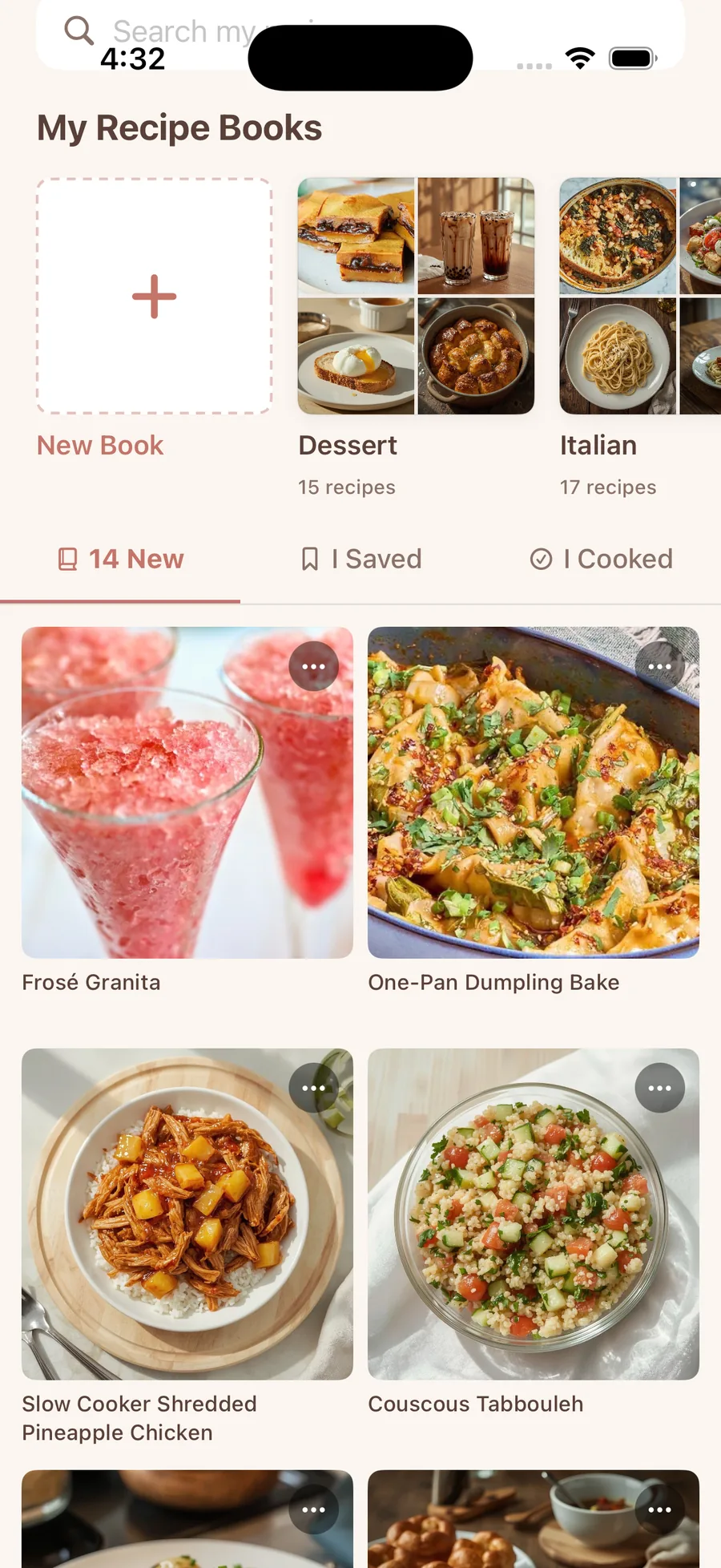
See your whole week, one glance at a time.
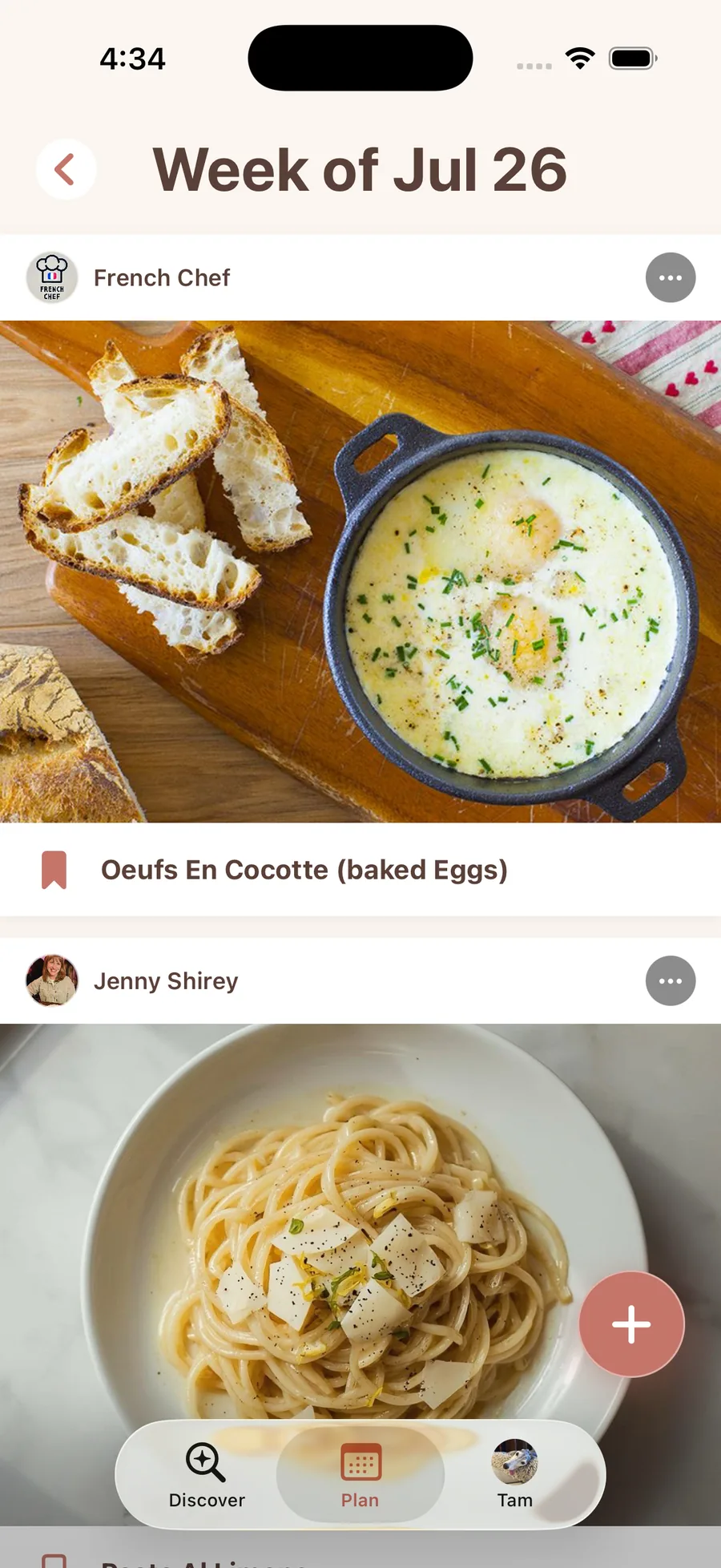
Drop recipes from your Recipe Books into a simple weekly meal plan, and always know what's for dinner before you're standing in front of the fridge.
Your recipe box is waiting.
Scanning and importing recipes is free forever: no paywall, no import limits. Save your first recipe in under a minute.
FAQ
Questions, answered.
How do I save recipes from a website?
Paste any recipe URL and WeeChef reads the page, pulling the ingredients and steps in cleanly.
Can I scan handwritten recipe cards?
Yes. Snap a photo of a handwritten or printed card, including multi-page and double-sided cards, and it becomes a clean, searchable recipe.
Can I save recipes from Instagram, TikTok, or Pinterest?
Yes. The easiest way is to take a screenshot of the recipe and let WeeChef pull it in for you. And if the full recipe is written out in the caption or description, you can just paste the link instead, WeeChef will read the recipe right from the post. Either way, it lands neatly in your collection.
Is WeeChef free?
Scanning and importing recipes is free forever, with no paywall and no import limits.
What devices does WeeChef work on?
WeeChef works on iPhone, running iOS.